don’t join mastodon. the lax nature of regulations makes it an extremely popular platform for maps and pedophiles.
there are always alternatives to tumblr but mastodon is Not a trustworthy or good one
This is based on a drastic misunderstanding of what Mastodon is. It’s not a social media site like tumblr – it’s open-source code that allows anyone to create a social media site, which can then interact with other sites using that code. To say Mastodon has “lax regulations” is really misleading, because Mastodon itself has no regulations, it only has tools for moderators to regulate their own instances
Mastodon “allows” pedophiles in the same way that email “allows” identity theft scams. No, “email” doesn’t put a stop to identity theft, but “email” is just a set of protocols for sending messages – it’d be absurd to expect it to
Most Mastodon instances (including mastodon.social, the largest and oldest) do more to keep pedophiles off their platform than tumblr ever has, by having strict rules against it, banning any instances that don’t have strict rules against it, and actively moderating to enforce those rules. At that point it’s as if the pedophiles are on a different website entirely – because they literally are on a different domain
As someone who actually uses it, I can confirm that I’ve never had or even heard of a run-in with pedophiles. Admins know the instances that allow it and quickly block and spread the word about any new ones that pop up. Again, it’s been more of an issue for me on tumblr than it’s ever been on masto
Please reblog this. People love spreading this rumor without knowing what they’re talking about, and it’s driving people away from non-corporate, community-controlled, secure open-source social media. And that’s a real big shame
In case you’re not aware, Tumblr has recently announced that on the seventeenth of December they’ll start purging all porn and porn-adjacent content on Tumblr. Why does that matter to LWU, you ask? Well, they’re using their bots to identify it, and we’ve all seen how well THAT works. One of my Wander posts even got flagged as sensitive for no apparent reason. What I want to do is reassure you all that I’ve taken steps to back up all of the content on LWU to my hard drive using a tool I was recommended a couple weeks ago. I’m going to continue to do so on a regular basis just in case, so there’s very little chance that my stuff will be lost.
I’m using this one! It condensed my entire blog as of November 20th into one 4.36 gigabyte folder.
Any notes on how to use it? I can’t figure it out.
Okay, so here’s how to do this.
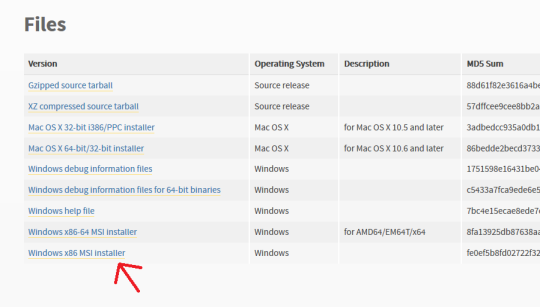
First off, go here and make sure you have Python installed. For Windows it should be the very bottom link, the x86 MSI Installer. You don’t have to do anything but install it.
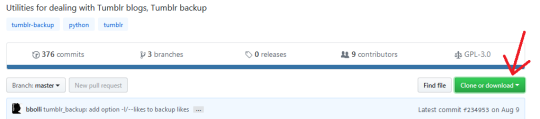
Second, go here, and click “Clone or Download” (the green button on the right). Select “Download ZIP”.
Make sure you have WinRAR or 7zip or something installed that lets you extract zip files.
Next, make a folder on your desktop. I named mine “Tumblr Backup”, and in the following instructions I’m going to assume that’s what you’ve named yours as well; replace “Tumblr Backup” with whatever you name yours if it isn’t.
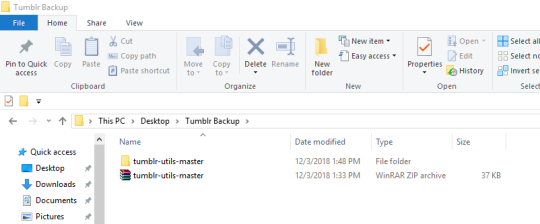
Drop the zip file you downloaded into Tumblr Backup. Go in and extract it; this should create a folder called “tumblr-utils-master“.
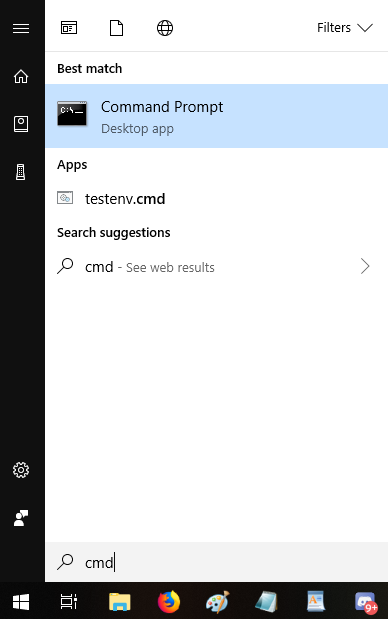
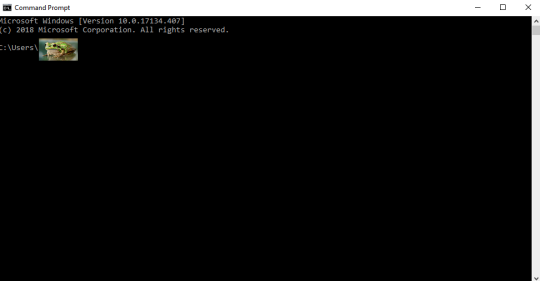
Open your Command Prompt. If you don’t know how to find that, click your start menu button and type “CMD”, which should give you this:
That should open this:
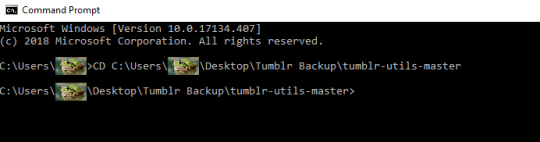
That frog over there is blotting out my profile name on my computer. Whatever your profile name is when you sign in (e.g. “Max” or “Snugglebuns” or “froglord69”) is going to be in that spot on the address path. If it instead says something about Windows and System 32, that’s okay, what I’m gonna tell you to do will go to the right place either way.
Next, input this command–keeping in mind that the parts in bold should be changed based on your profile name and what you named the folder on your desktop:
CD C:Usersfroglord69DesktopTumblr Backuptumblr-utils-master
There! Now you’re in the right folder! Next, enter this command, replacing the bolded bit with your own blog name:
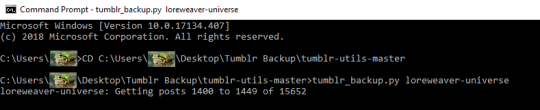
tumblr_backup.py yourblogname
You should see this:
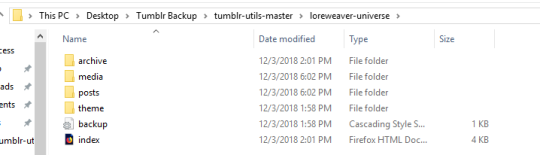
Then just…let it run! It took less than five minutes for my computer, though it will vary by processor and connection. Once it’s done, you’ll have something like this:
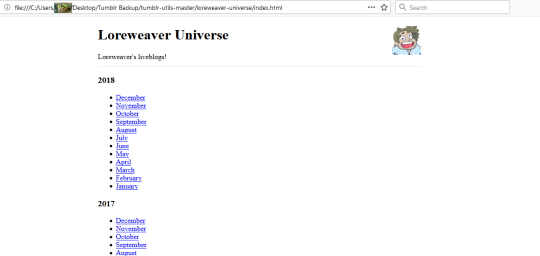
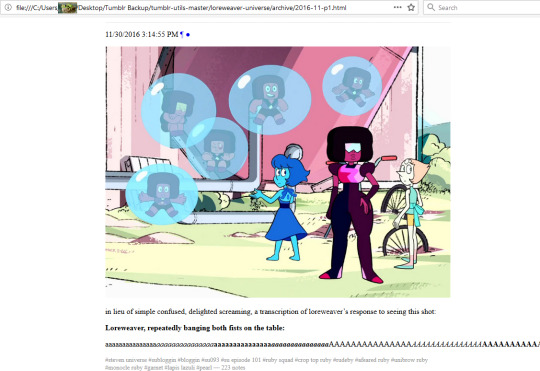
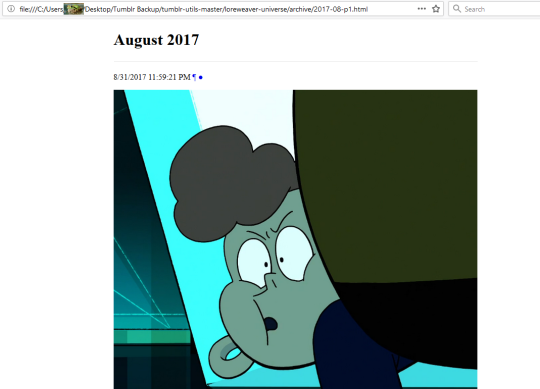
That “index” opens in an internet browser. It’s basically a webpage stored directly on your computer. Some pics of mine:
So…not pretty, but it’ll save the content of your posts. Hope this helps!
@copperbadge in case you want to back up your Tumblr?
Yep, tried this and it seems to be working well – I would have more concrete results but in the middle of it this morning my internet tanked and I had to restart, so it’s running while I’m at work. It’s returning errors where shit has vanished (for example, images taken from external links) but that’s to be expected.
Also of note, some unzipping programs put a folder inside a folder when they unzip, so you may have to move tumblr-utils-master up a folder level before it will work.
I did actually also try to back up using Tumblr’s in-house program, but it took eight hours to process and another five to download, after which I was presented with a .zip file that would not unzip, claiming it was empty despite being 4+GB in size.



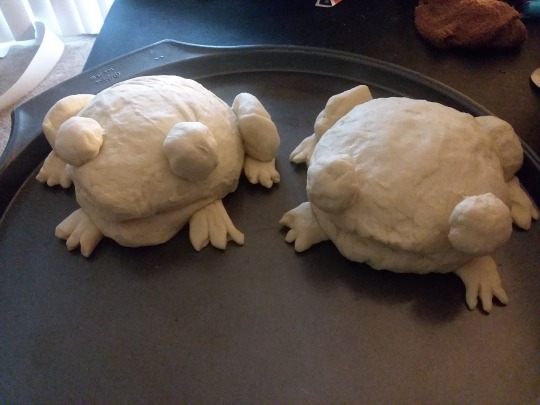

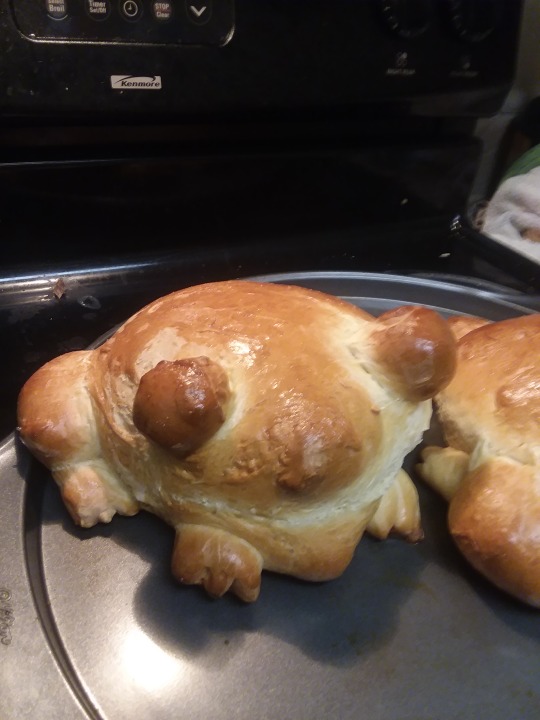
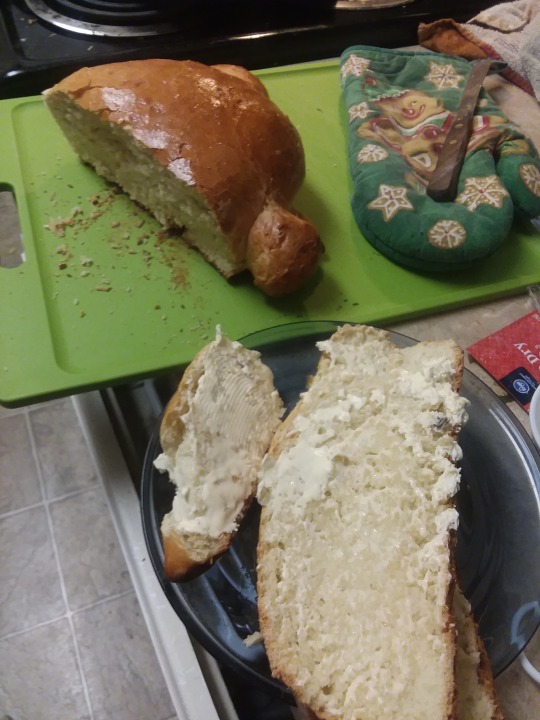
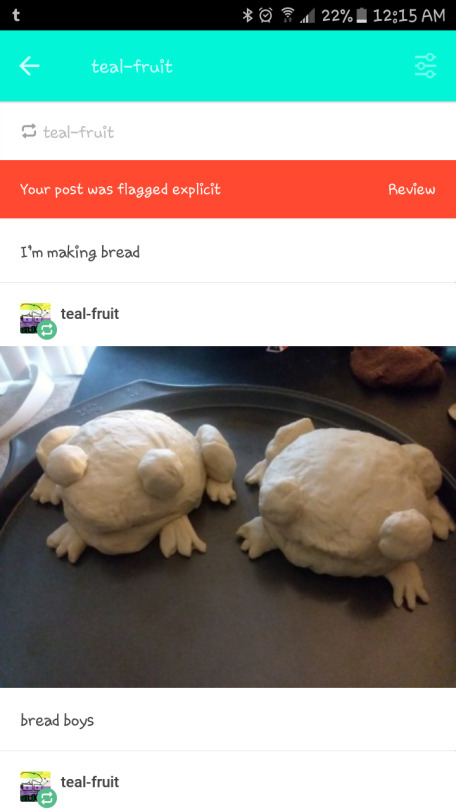





 memeport